 Platwright
#0 · Free template · v1.0
Free Deal Screener — Compare Five Rental Properties Side by Side
You have five listings open in five tabs and no way to line them up. Most of them will not survive a closer look — the problem is knowing which ones before you spend an evening on each.
Yours to keep Free
Works in Excel and Google Sheets. Yours to keep, nothing to cancel.
The download is handled by Payhip, so you will leave platwright.com. Payhip asks for your email address to send you the file. There is no payment and nothing else to fill in.
What the file does
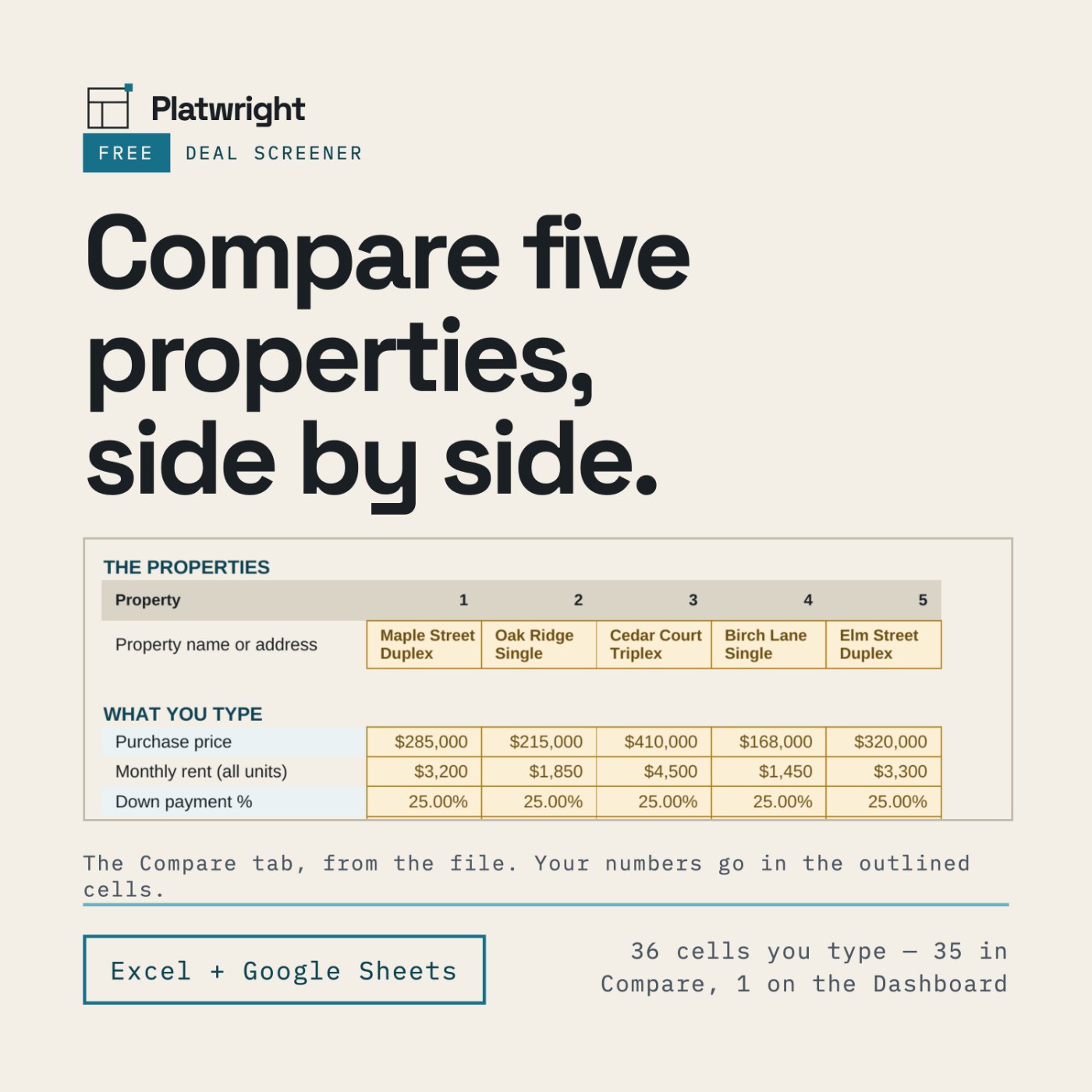
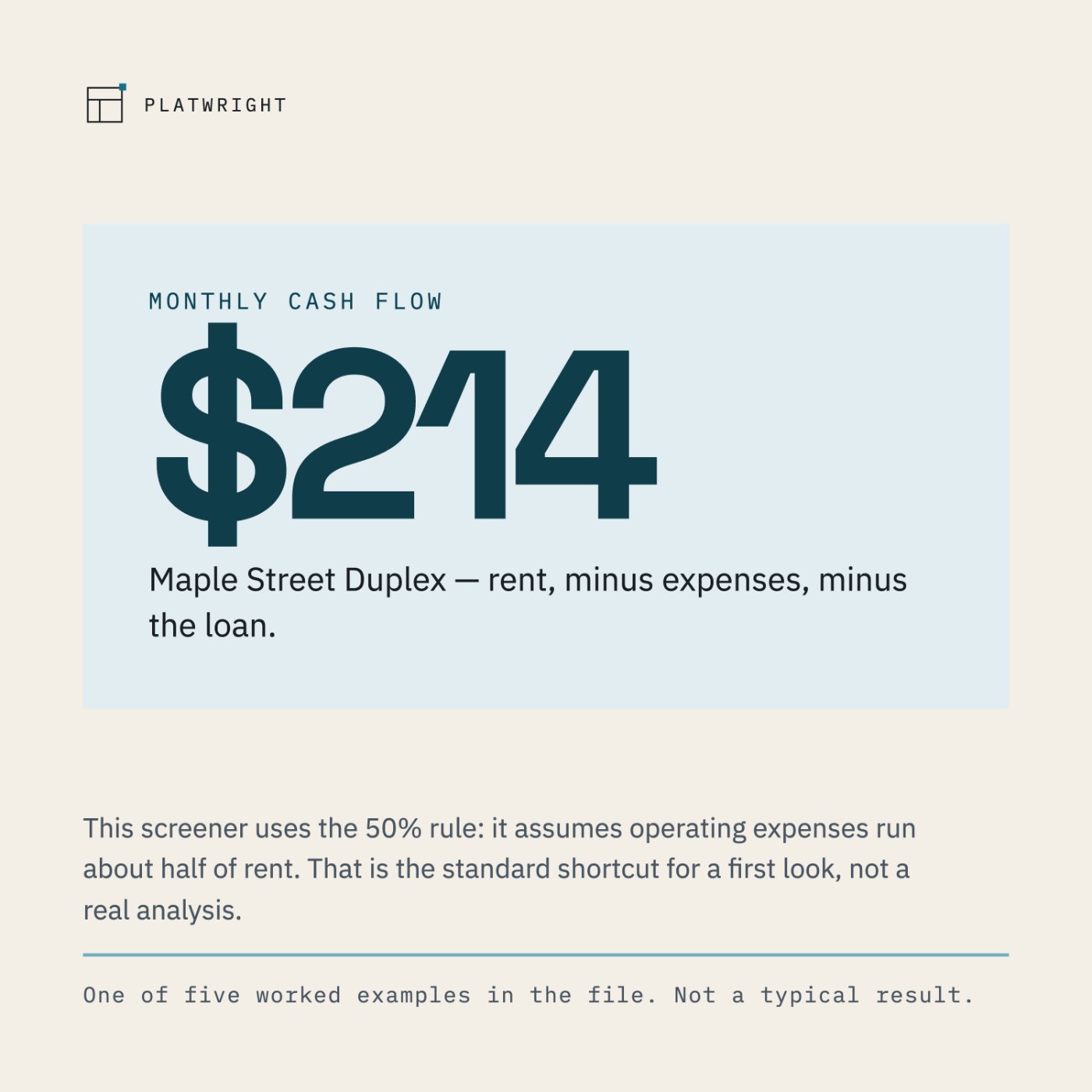
Deal Screener is a first-pass filter. You type six numbers per property, for up to five properties, and the file lines them all up: monthly cash flow, cash-on-cash return, cap rate (purchase), and cash needed to close. It uses the 50% rule — the standard shortcut for a first look, which assumes operating expenses run about half of rent. It is not a full analysis, and the file says so on its own front page.
The number
What's included
- Five tabs: Start Here, Compare, Dashboard, Dashboard Dark, The Numbers
- Up to five properties compared at a time
- 36 cells you can type in — 35 in Compare (a name plus six numbers × 5 properties) plus the property selector on the Dashboard
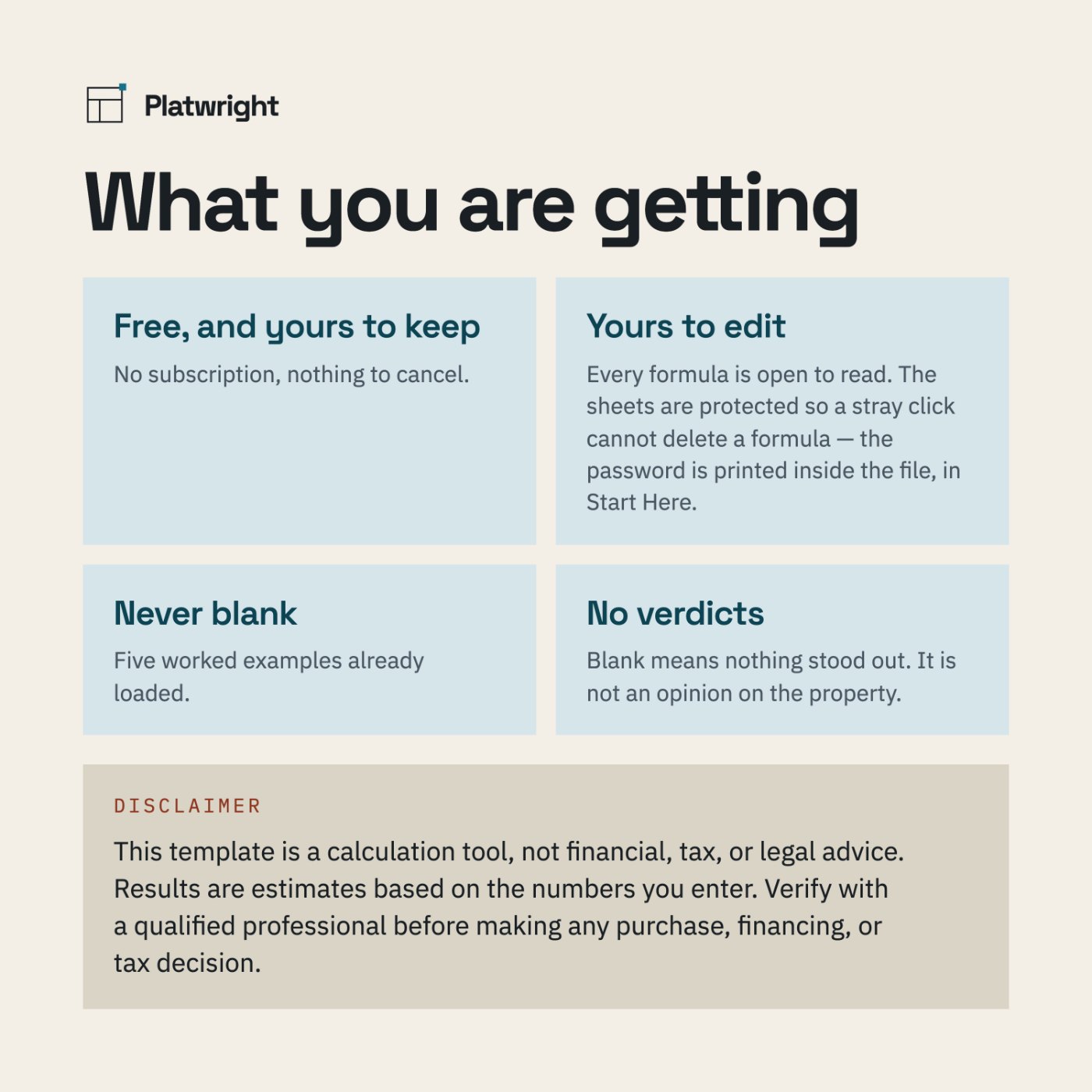
- Five worked examples already loaded, so the file is never blank
- Four numbers per property: monthly cash flow · cash-on-cash return · cap rate (purchase) · cash needed to close
- A ranked table, "All five, in order", with how far rent can drop before each property breaks even
- A dark dashboard, the same view on a dark background
- The Numbers — what each number means, where the 50% rule falls short, and what this file cannot tell you
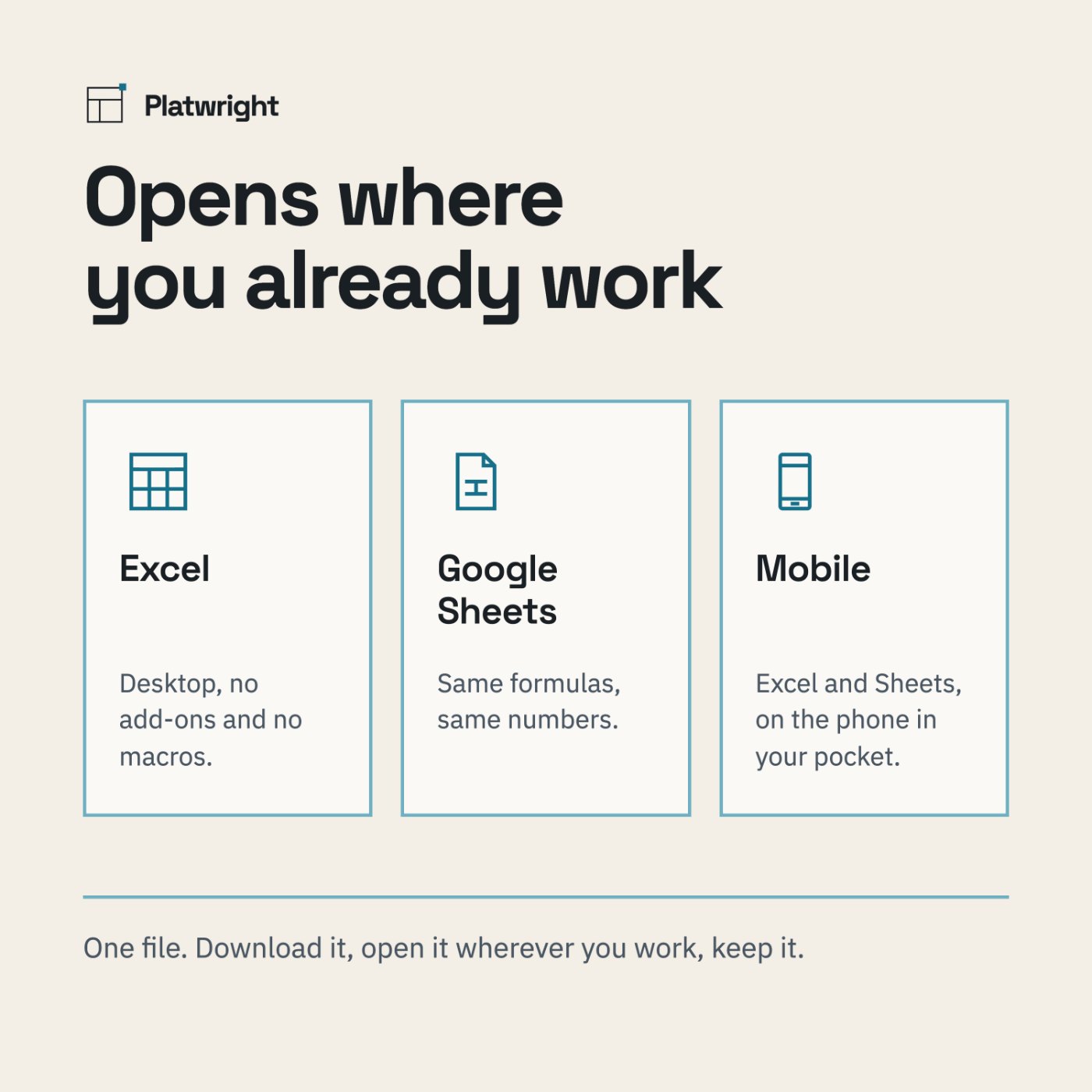
- Works in Excel and Google Sheets, desktop and mobile
- Yours to keep. No subscription, nothing to renew
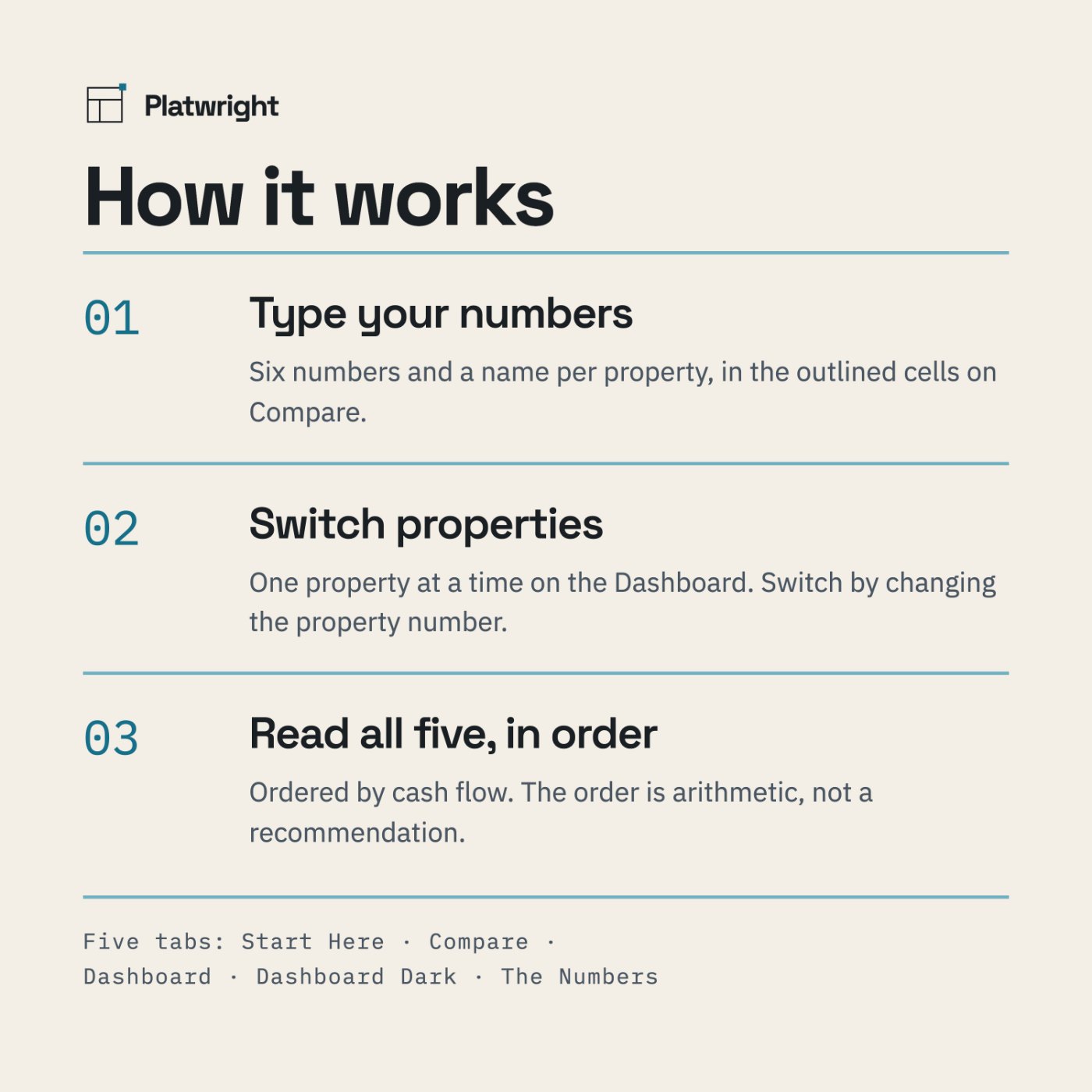
How it works
Type your numbers
In the outlined cells on Compare. Five properties, side by side.
Open the Dashboard
Change one number to switch which property you are looking at.
Read "All five, in order."
The ranking is arithmetic, not a recommendation.
What you see before you pay
Screenshots of the file below, with the worked example that comes loaded in it, alongside panels that spell out what is inside.
Compatibility
Microsoft Excel · Google Sheets · both mobile apps. No add-ons, no macros.
Questions
Do I need Excel?
No. The file opens in Google Sheets and in the Excel mobile app, and behaves the same in both.
Is this a subscription?
No. It is free, and it is yours to keep. There is nothing to cancel.
Can I edit it?
Yes. Every formula is open to read. The sheets are protected so a stray click cannot delete a formula. In Excel: Review > Unprotect Sheet. The password is printed inside the file, in Start Here. In Google Sheets: you own your copy, so you can edit anything — Sheets will just ask you to confirm first.
How many properties can I compare?
Five at a time. That is the capacity of the file — not five examples plus room for more. The five examples that come loaded are there so you can see how it behaves; type over them.
Does the file tell me whether a property is a good buy?
No, and it will not. It orders properties by cash flow and shows you what is missing from your inputs. The order is arithmetic. Nothing here approves or rejects a property.
Can I use this for my taxes?
No. See the disclaimer below.
Why the 50% rule and not real expenses?
Because this is a screener. The 50% rule is the standard shortcut for a first look. Your actual taxes, insurance, vacancy, repairs and CapEx will differ — that is what the full Rental Property Analyzer is for.
The worked example, in full
Every figure this file produces is written out on a page of its own — the numbers you type, the arithmetic in between, and what comes out the other side. Nothing is rounded to make a point.
- Break-even rent calculator — run your own numbers — break-even rent, and the free first-pass filter.
Start with the free one
Free, and it stays free. No card, no trial, nothing to cancel — enter what a property costs and what you think it will rent for, and see the full picture on one page.
The download is handled by Payhip, so you will leave platwright.com. Payhip asks for your email address to send you the file. There is no payment and nothing else to fill in.
This template is a calculation tool, not financial, tax, or legal advice. Results are estimates based on the numbers you enter. Verify with a qualified professional before making any purchase, financing, or tax decision.