 Platwright
#2 · Template · v1.1
Landlord Income & Expense Tracker — Excel & Google Sheets Template for Up to 10 Properties
The rent comes in, the plumber gets paid, the insurance renews — and by the time someone asks what the year actually did, it lives in a bank app, a shoebox and your memory. Not because the numbers are hard, but because nobody wrote them down as they happened.
One-time purchase $29
Works in Excel and Google Sheets. One payment, yours to keep.
Checkout is handled by Payhip, our payment processor, so you will leave platwright.com to pay. The file and the Welcome Guide arrive by email the moment the payment clears. If anything goes wrong with the download, email platwrightdr@gmail.com and I will sort it.
What the file does
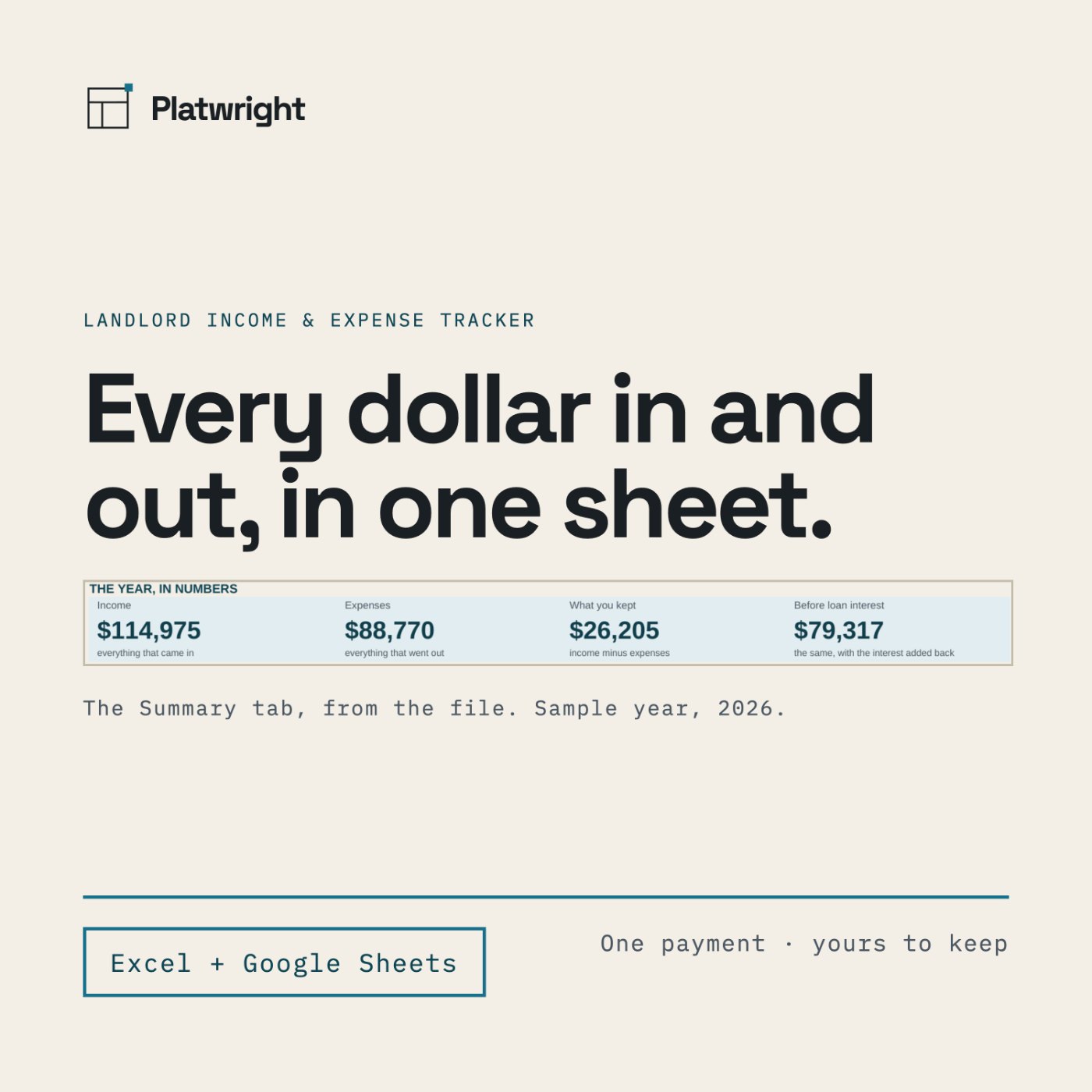
Landlord Income & Expense Tracker is where you write them down. You type each entry once — month, property, category, amount — and the file adds up your year while you use it: four headline numbers, twelve months, twelve expense categories and up to ten properties, each with its own column. It is a record you keep, and a clean year to hand to whoever prepares your return.
The number
What's included
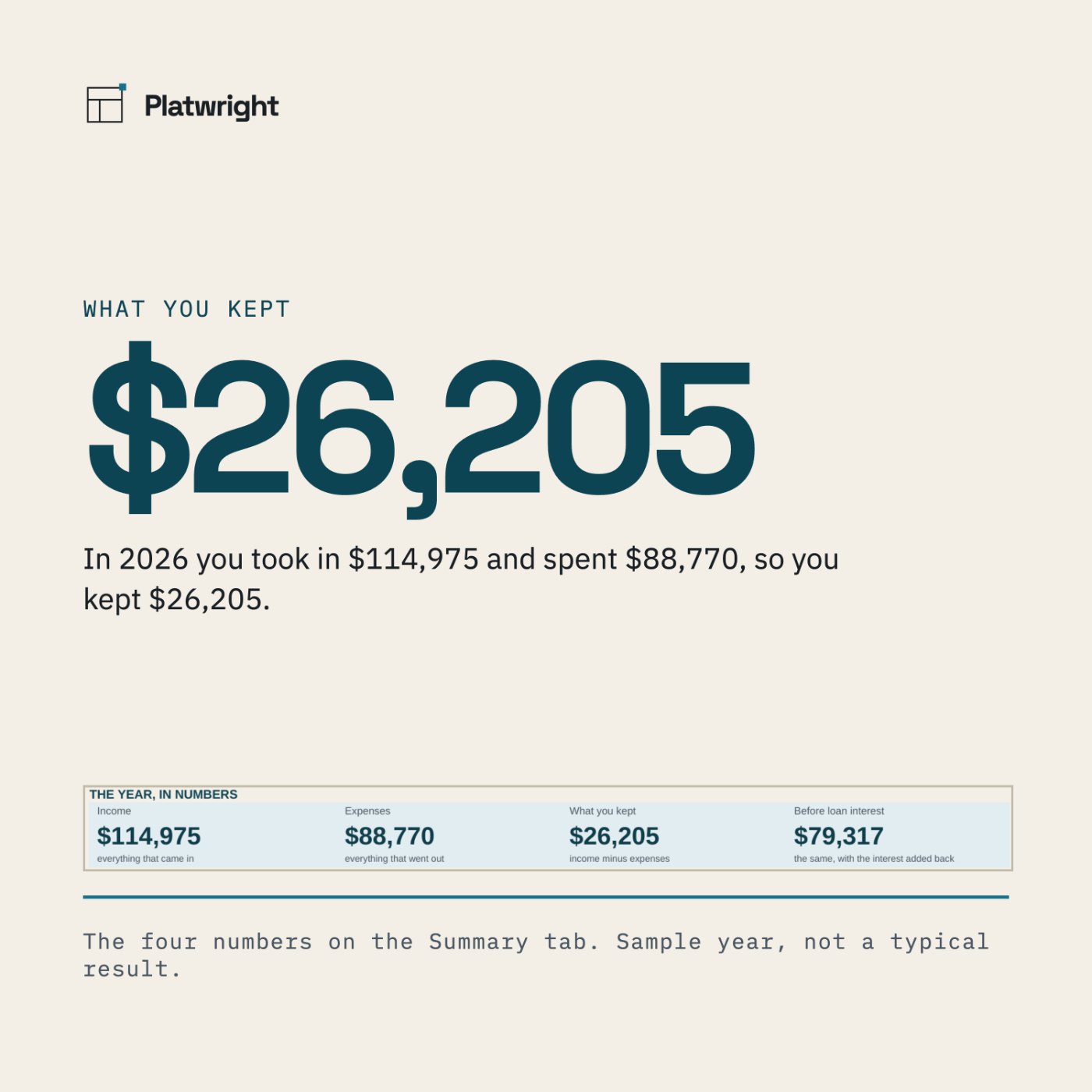
- Seven tabs: Start Here · Setup · Income · Expenses · Summary · Summary Dark · The Numbers
- Up to 10 properties, named once in Setup
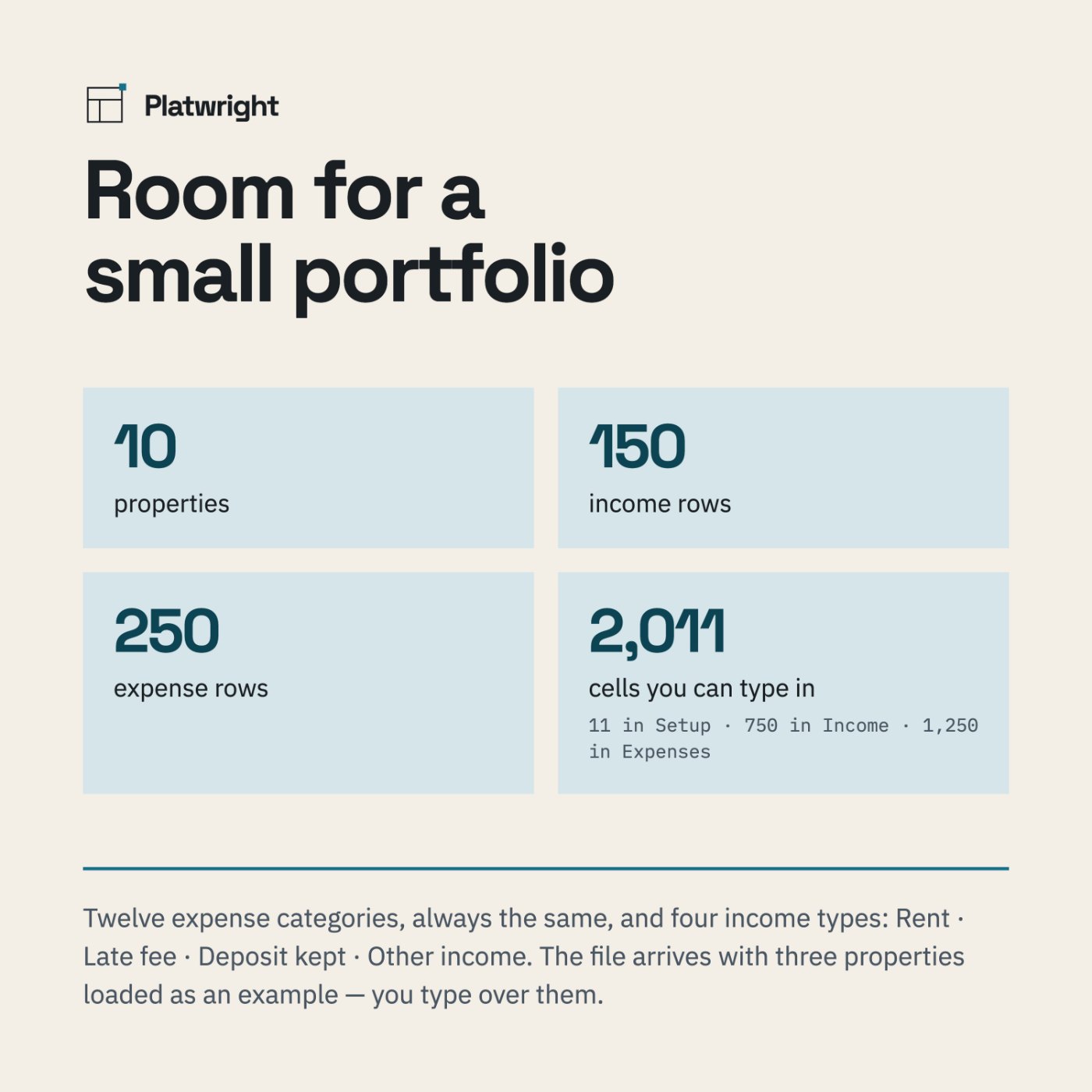
- 150 income rows and 250 expense rows — one row per entry, month 1–12
- 2,011 cells you can type in — 11 in Setup, 750 in Income, 1,250 in Expenses
- A worked example already loaded — Maple Street Duplex, Oak Ridge Single and Cedar Court Triplex, across a sample year — so nothing is ever blank
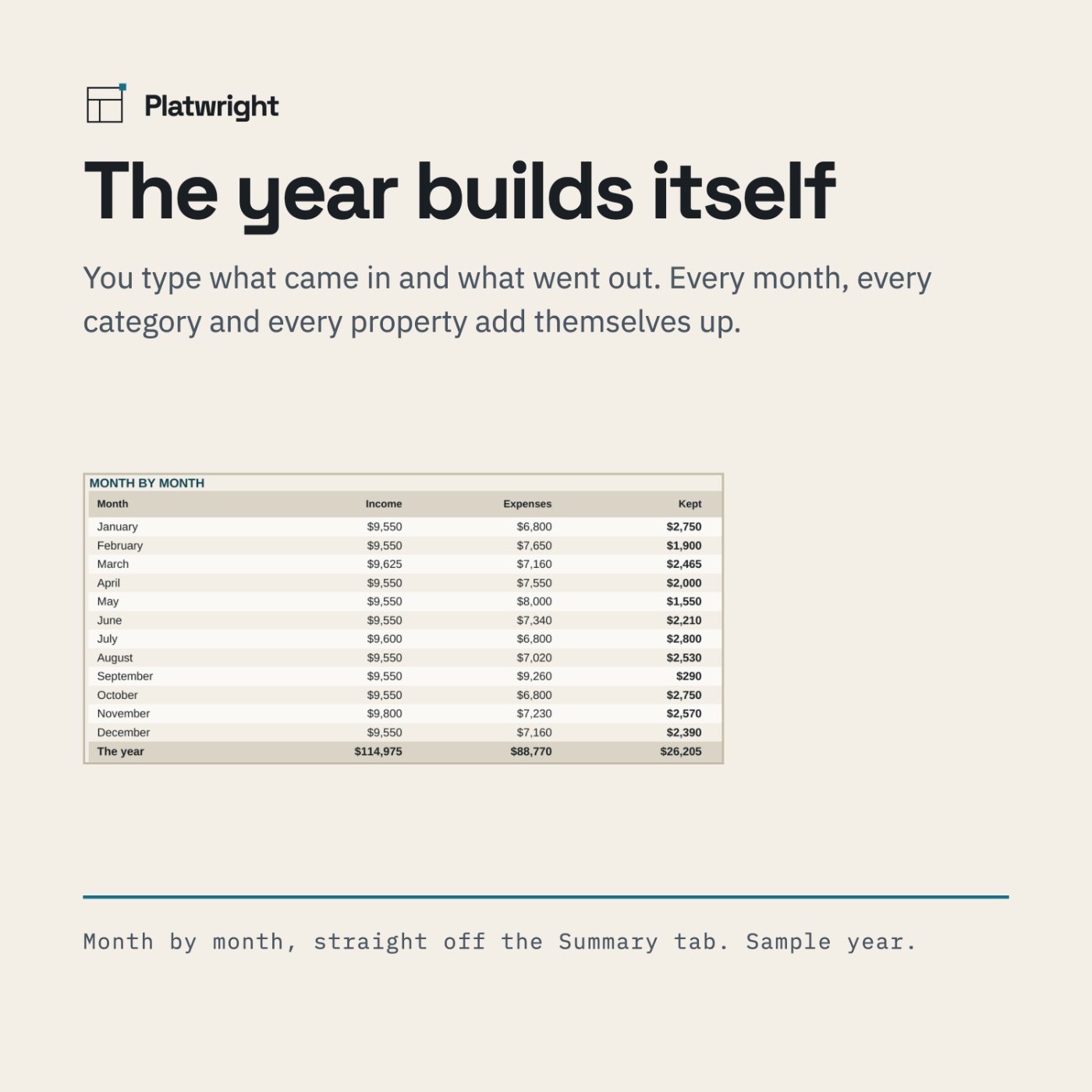
- Four headline numbers: income · expenses · what you kept · the same before loan interest
- Twelve expense categories, always the same: mortgage interest, property taxes, insurance, repairs, maintenance, utilities, management fees, advertising, legal and professional, supplies, travel, other
- Four income types: rent · late fee · deposit kept · other income
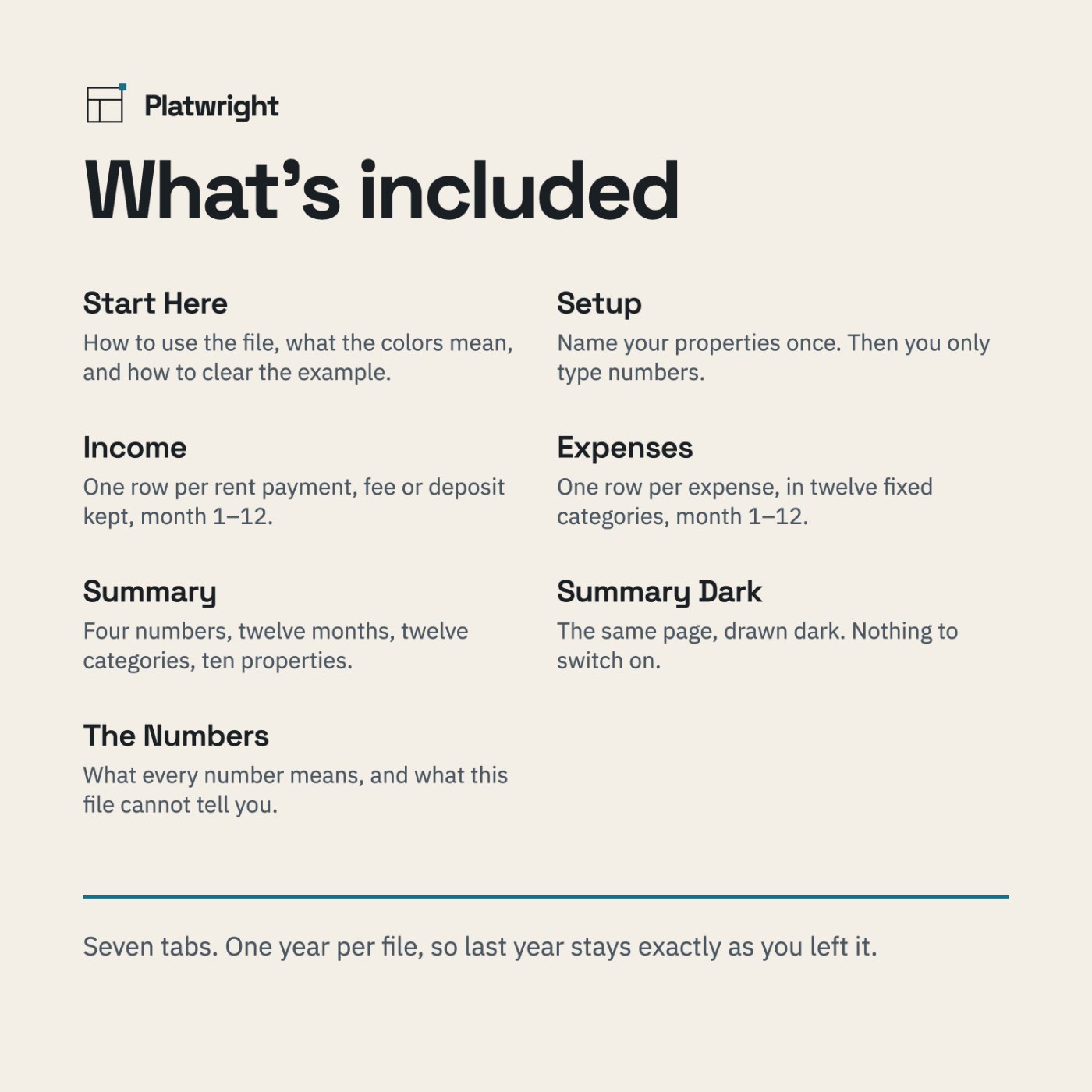
- Month by month, the twelve months with what came in
- Where the money went, every category with its share of the year
- By property, income, expenses and what you kept for each one
- A dark Summary, the same view drawn on a dark background — a second tab, nothing to switch on
- The Numbers, a tab that defines every figure, explains why you type property numbers instead of names, and says what the file cannot tell you
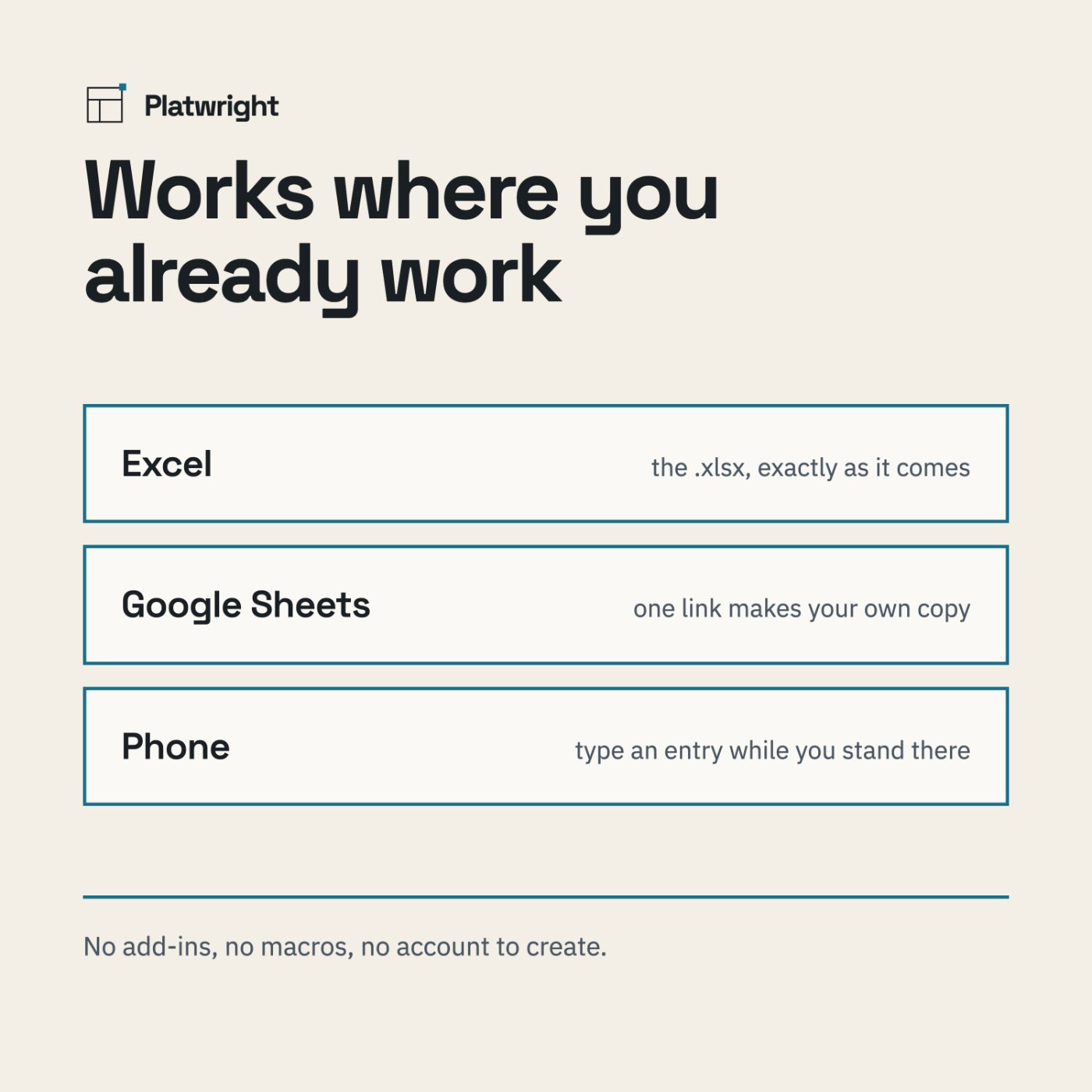
- Works in Excel and Google Sheets, desktop and mobile
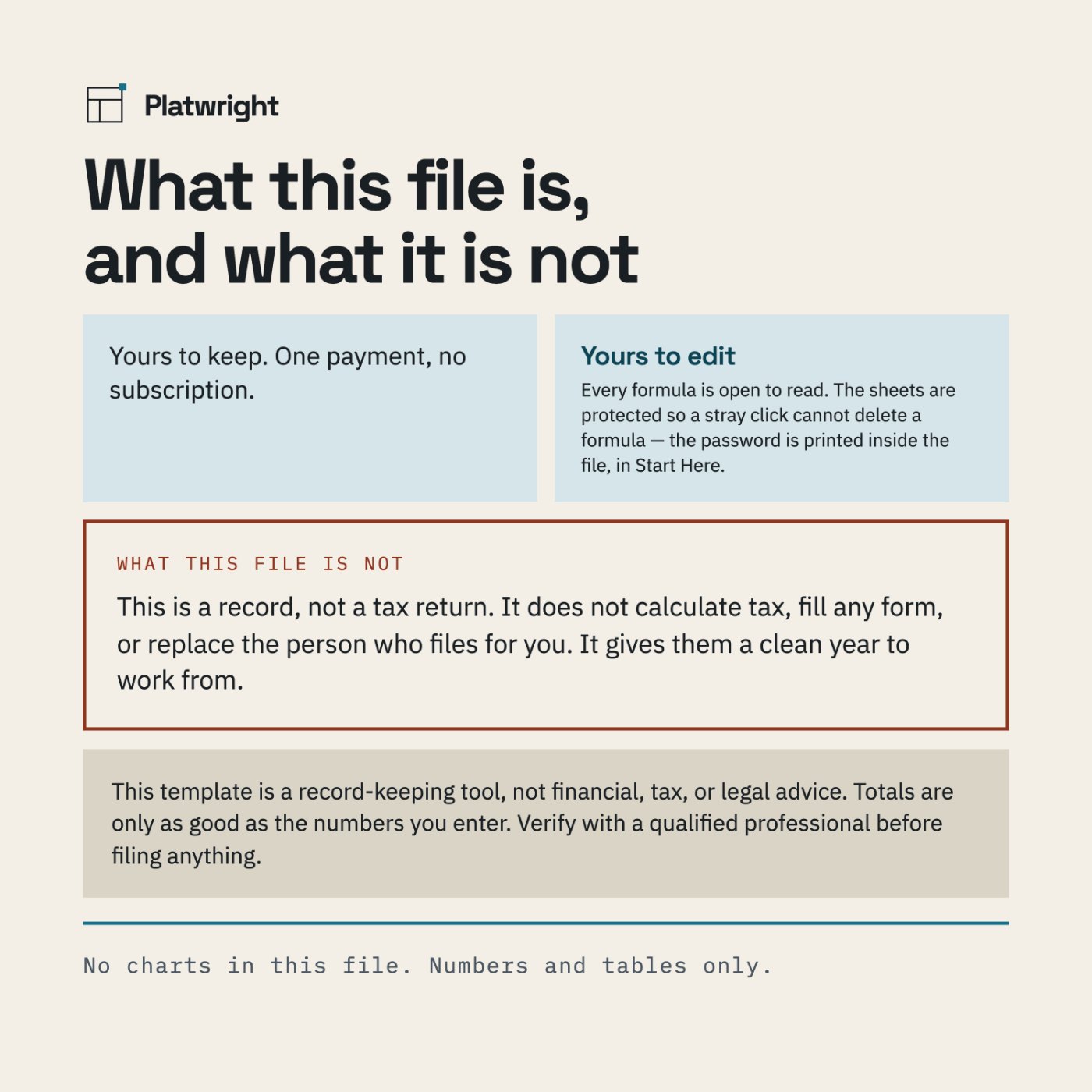
- One payment. Yours to keep. No subscription
How it works
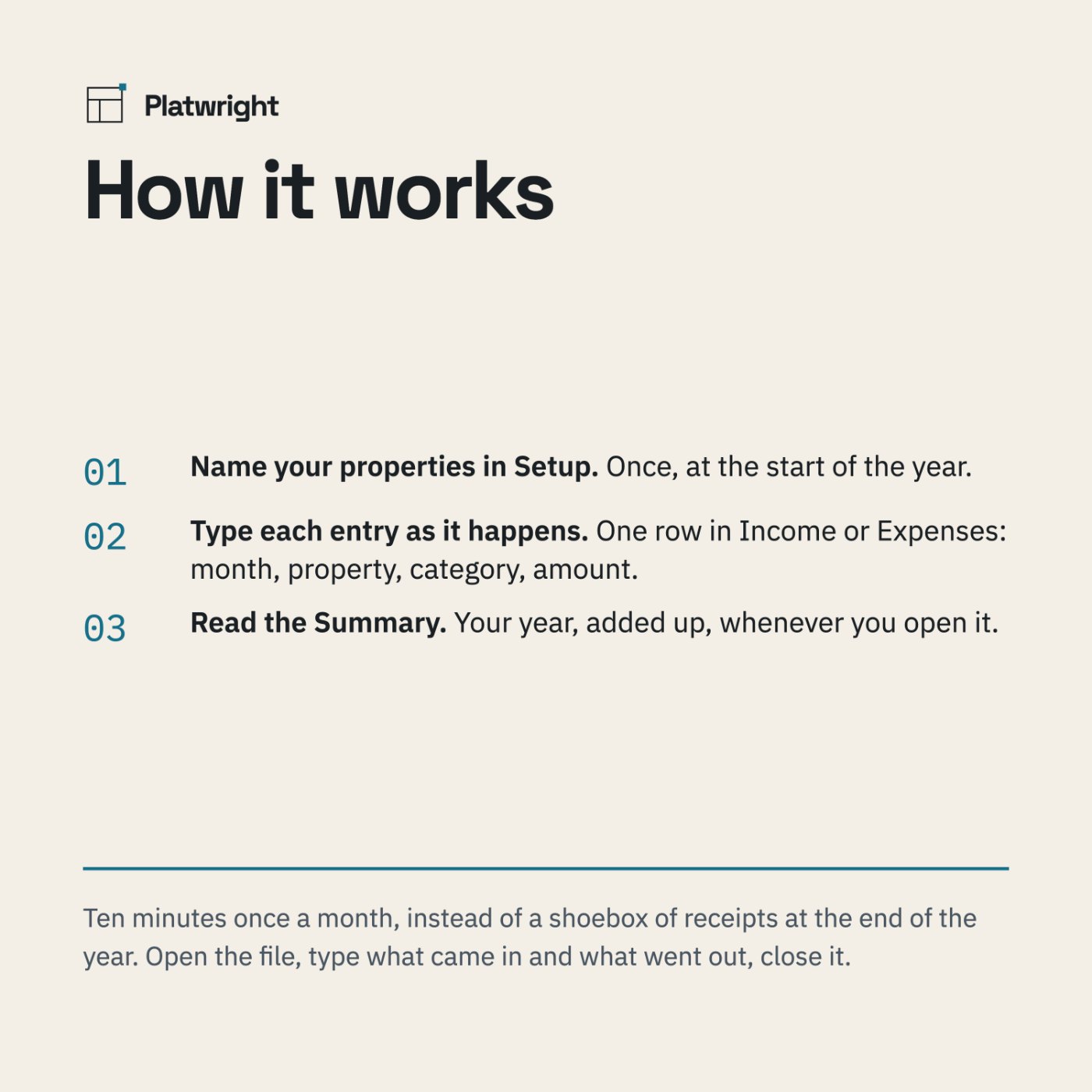
Name your properties in Setup
Once, at the start of the year.
Type each entry as it happens
One row in Income or Expenses: month, property, category, amount.
Read the Summary
Your year, added up, whenever you open it.
What you see before you pay
Screenshots of the file below, with the worked example that comes loaded in it, alongside panels that spell out what is inside.

Compatibility
Microsoft Excel · Google Sheets · both mobile apps. No add-ins, no macros, no account to create. Formulas are open — you can see every calculation.
Questions
Do I need Excel?
No. The file opens in Google Sheets and in the Excel mobile app, and behaves the same in both.
Is this a subscription?
No. One payment, and the file is yours to keep. There is nothing to renew.
Can I edit it?
Yes. Every formula is open to read. The sheets are protected so a stray click cannot delete a formula. In Excel: Review > Unprotect Sheet. The password is printed inside the file, in Start Here. In Google Sheets: you own your copy, so you can edit anything — Sheets will just ask you to confirm first. What you cannot do is add expense categories: the twelve are fixed, and the totals depend on them.
Does it handle several properties?
Yes, up to ten. Each one gets its own column in the Summary. In Income and Expenses you type the property number, not the name — that way a typo cannot split one property into two in your totals.
How do I add an entry?
Type over the empty rows that are already there. Do not insert rows: the engine uses fixed cell references and inserting rows breaks them.
Can I use this for my taxes?
No. This is a record, not a tax return. It does not calculate tax, fill any form, or replace the person who files for you — it gives them a clean year to work from. See the disclaimer below.
Why one year per file?
So last year stays exactly as you left it. You start a new copy each January and nothing you already closed can move.
The worked example, in full
Every figure this file produces is written out on a page of its own — the numbers you type, the arithmetic in between, and what comes out the other side. Nothing is rounded to make a point.
- Where a landlord year actually goes — twelve categories, and what each one took.
A clean year, kept as you go
One payment of $29, and the file is yours to keep. No subscription, nothing to renew — and a one-page Welcome Guide arrives with it.
Checkout is handled by Payhip, our payment processor, so you will leave platwright.com to pay. The file and the Welcome Guide arrive by email the moment the payment clears. If anything goes wrong with the download, email platwrightdr@gmail.com and I will sort it.
This template is a record-keeping tool, not financial, tax, or legal advice. Totals are only as good as the numbers you enter. Verify with a qualified professional before filing anything.